Webex
Webex Overview
Webex is a video conferencing and collaboration platform developed by Cisco Systems. It allows people to communicate and collaborate remotely through video and audio calls, screen sharing, and file sharing. Webex is available on desktop and mobile devices and offers features such as virtual backgrounds, recording, and transcription. Webex also offers advanced security features such as end-to-end encryption and secure meeting access codes to protect user privacy. Webex is used by individuals, businesses, and organizations for virtual meetings, webinars, and online events. The Webex feature allows you to arrange meetings with the employees under one platform. You can view all Webex meetings by clicking on Webex in the left sidebar menu.
Create Meeting
To start a new meeting, click on Create Meeting. Type in the appropriate Meeting Topic, select the Employees and/or Clients, Leads, and select the Meeting Date. If it is a repeating meeting then select Periodically. Click Save when you are done.
A Meeting ID and Password is generated, Click on Start Meeting to start your Webex meeting.
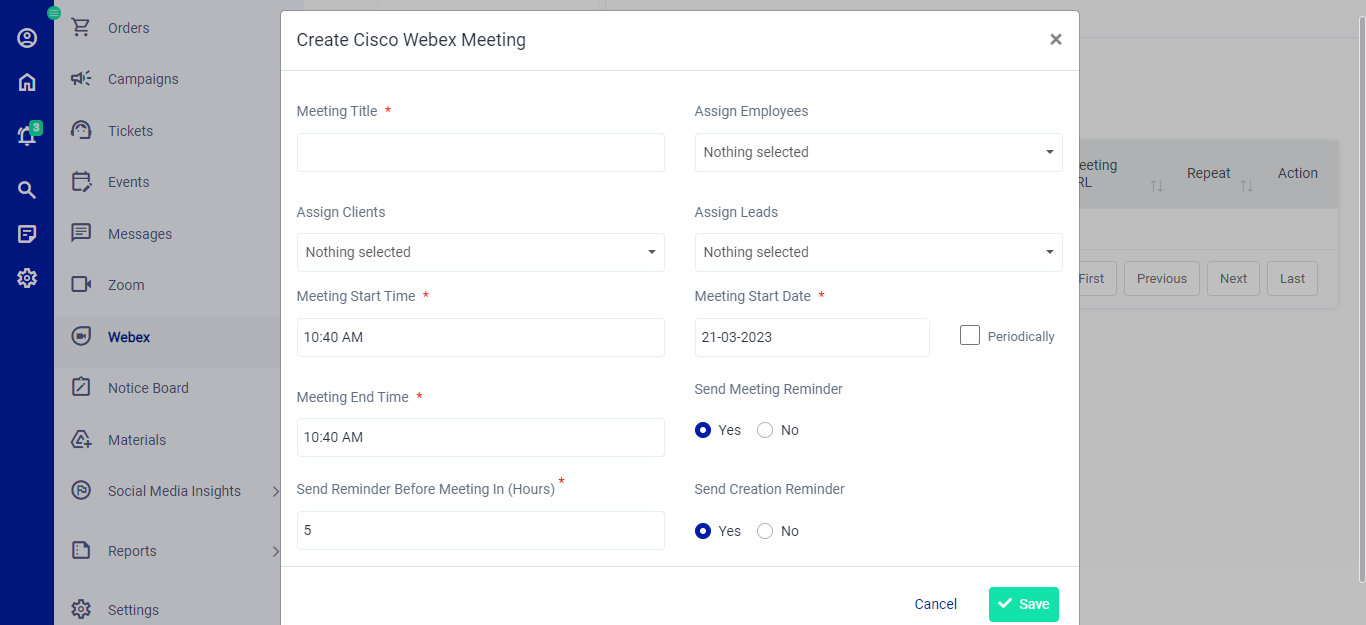 Figure.02 Create Meeting