Messages
Messages Overview
The Message feature allows you to start a conversation and communicate with the employees under one platform. You can view all Messages by clicking on Messages in the left sidebar menu. Click on any one of the conversation to view its entire conversation history. Click on New Conversation to start a new conversation with any member.
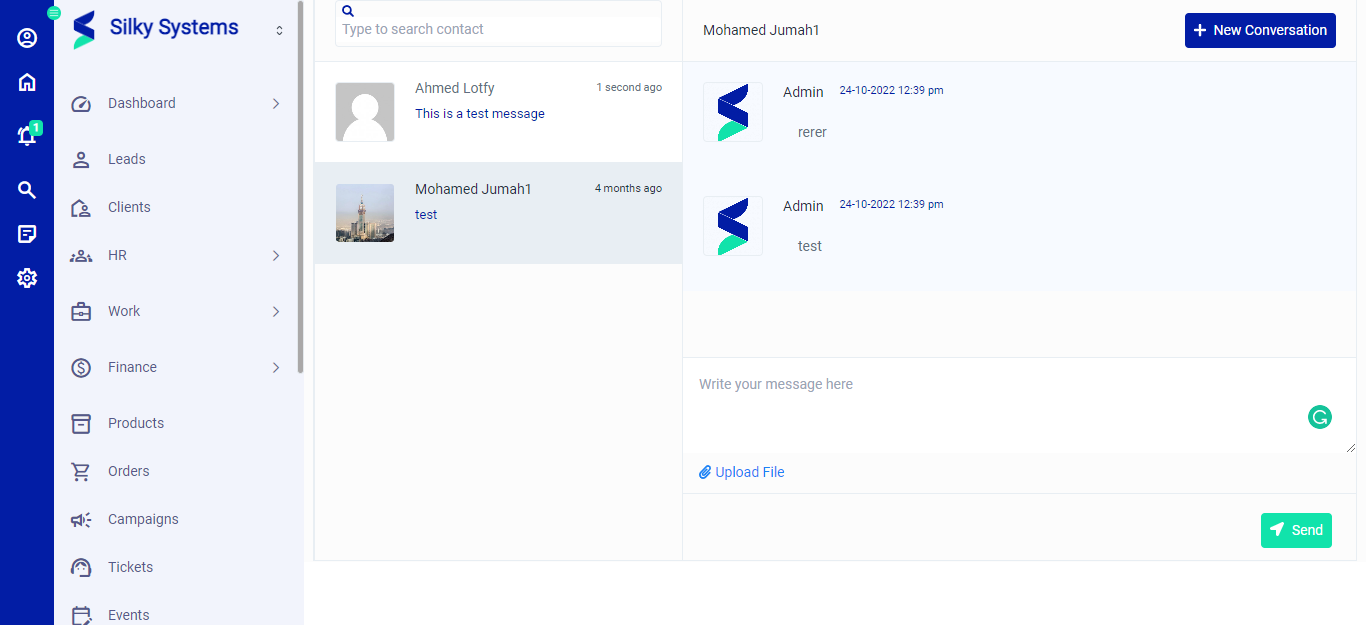 Figure.01 Messages List
Start Conversation
To start a new conversation, click on Start Conversation. Select the Member, type in the message, upload a file if required and click Send.
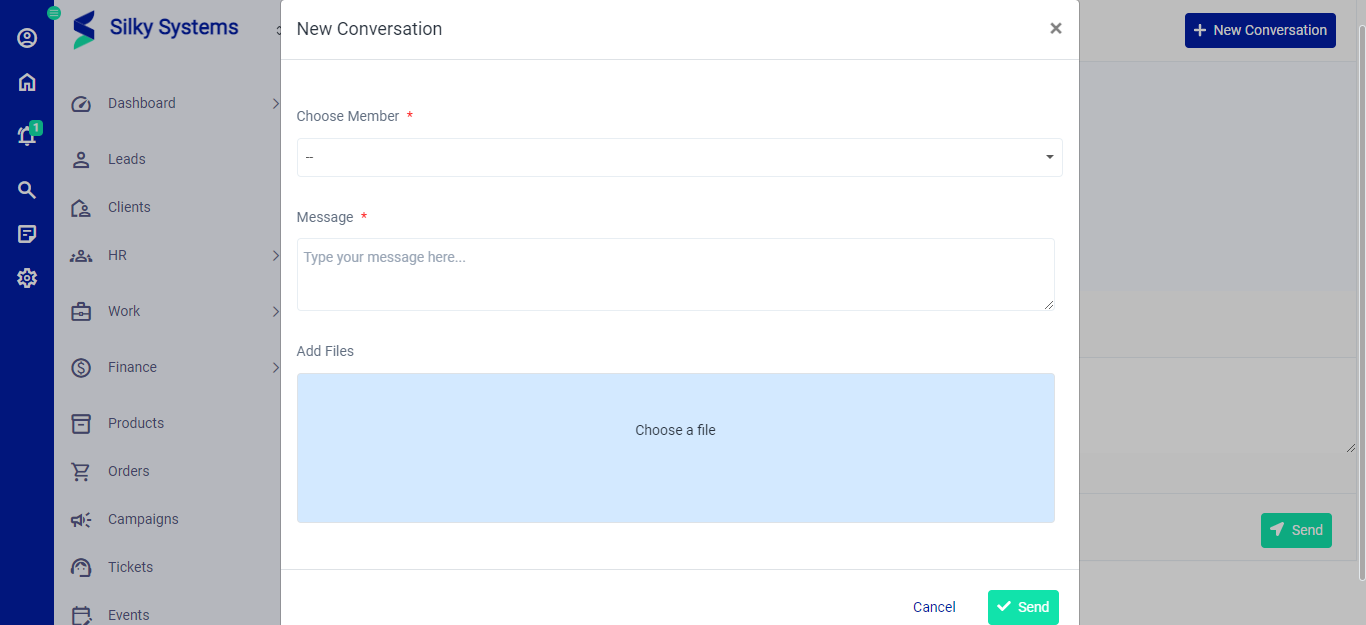 Figure.02 Start Conversation