Events
Events Overview
You can view the list of all Events by clicking on Events in the left sidebar menu. At the top of the Events page, you'll find the Add Events button. The Add Events option allows you to create New Events.
Events List
The Events list displays all of yours Events and their essential information such as the Events name, client, amount, start, and end date.
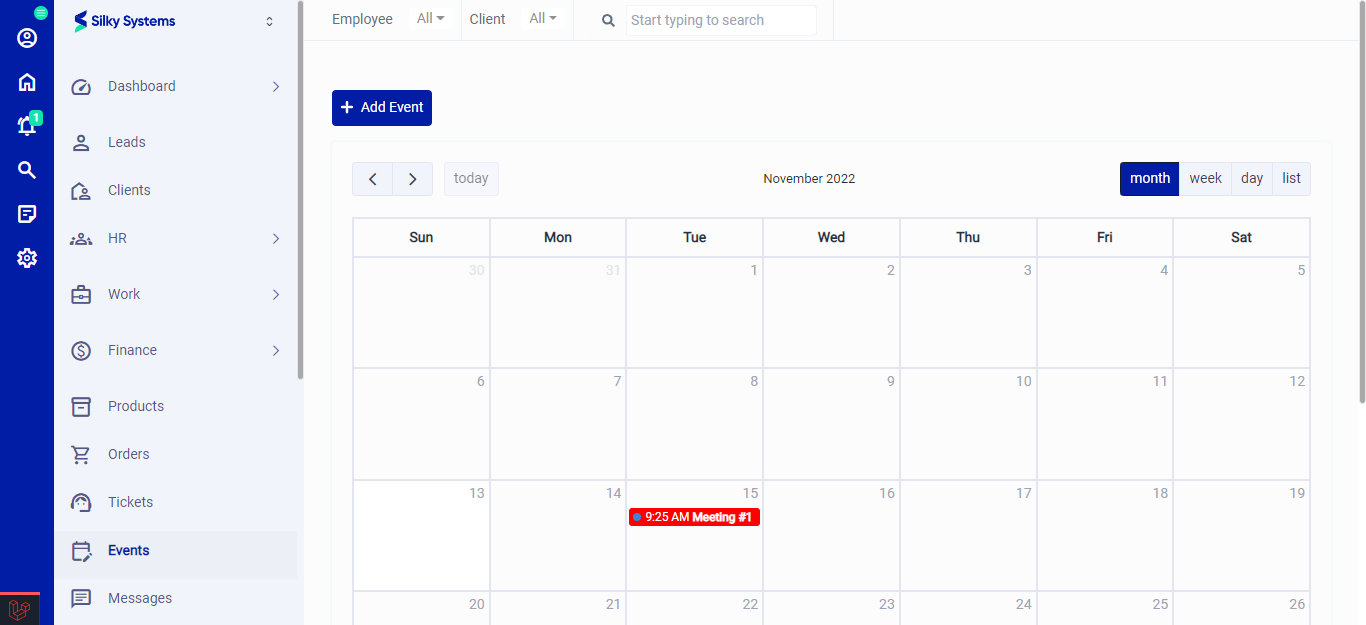 Figure.01 Events List
Add Events
To create a new Events, click on Create Ticket. Fill in all the required details and click save.
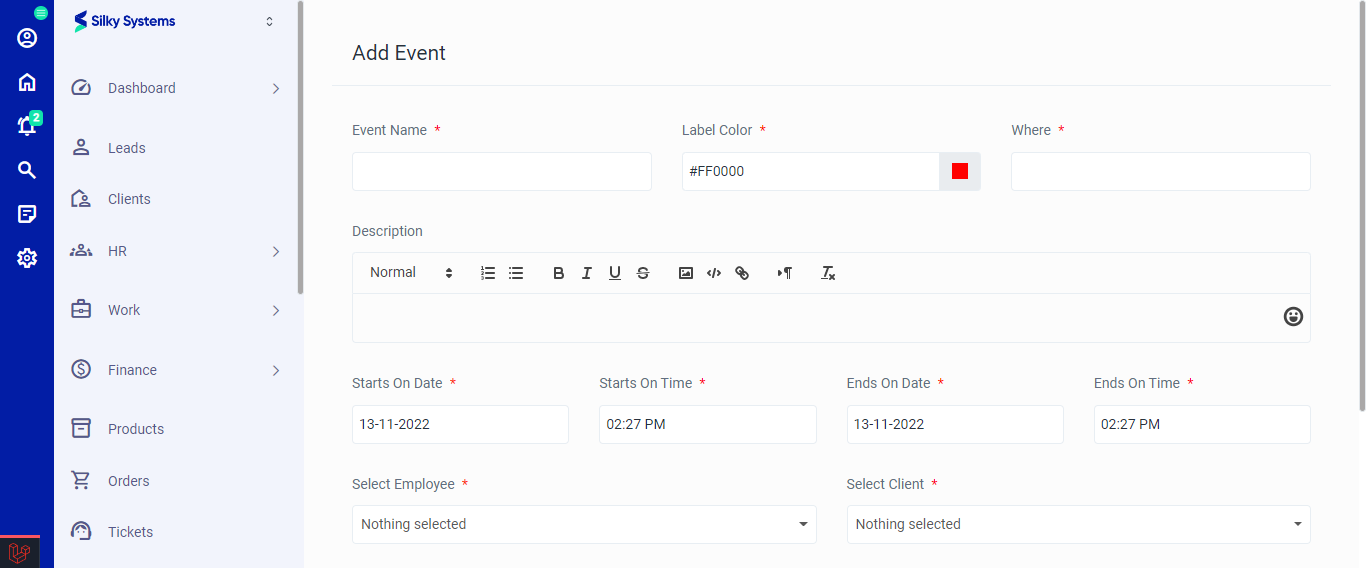 Figure.02 Add Events