Admin Dashboard
The Admin Dashboard is a concise overview of your most essential CRM System data and notifications. The display is customizable to meet your organization's and your operations' specific needs. It is the first screen to load when you log in to your CRM account, and you may quickly return at any time by navigating to the top link in the left sidebar menu
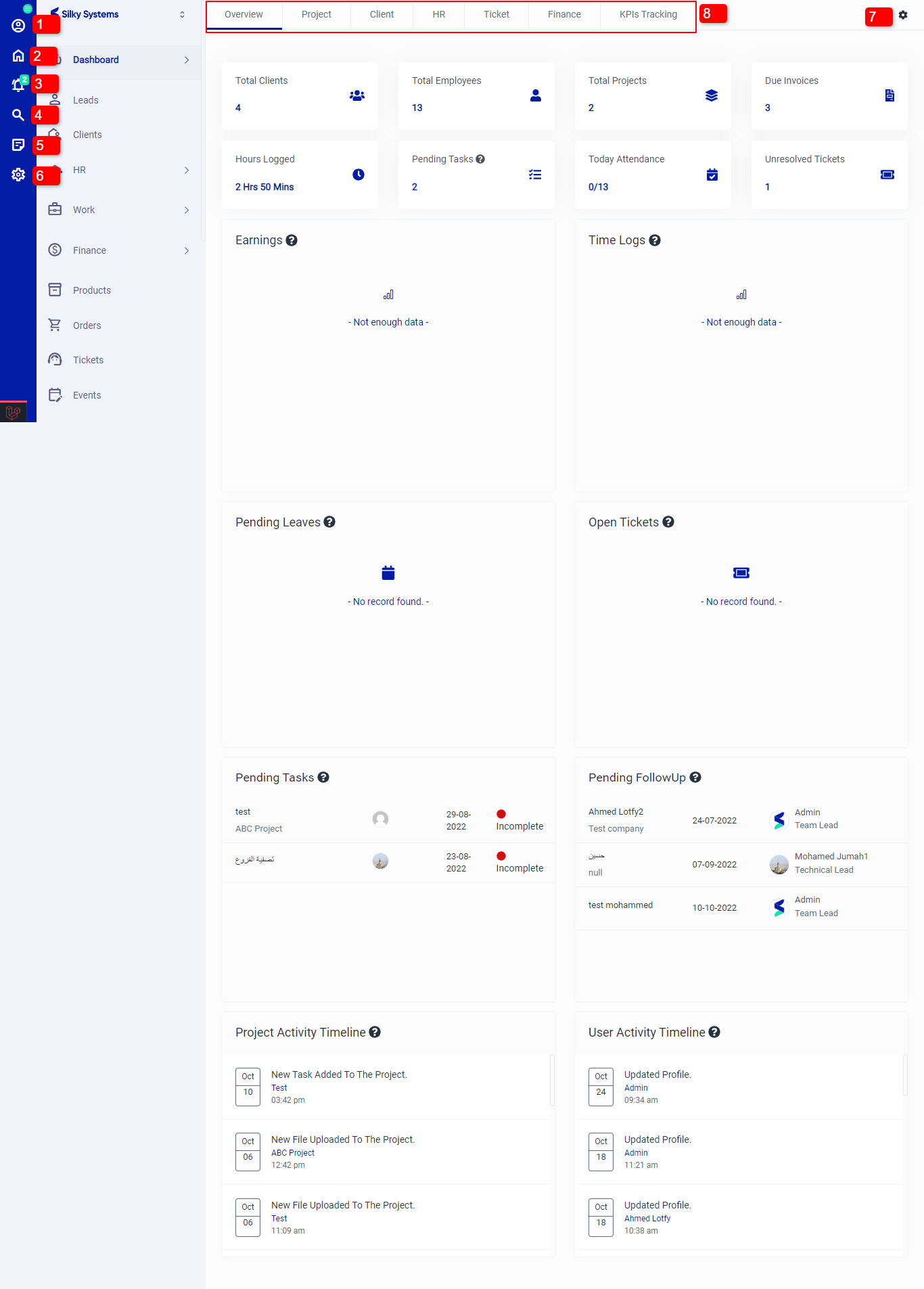 Figure.01 Dashboard Overview
1. This is the Profile for the logged in user. You can edit Profile details by clicking on it.
2. This is the Home tab to quickly jump to the admin dashboard.
3. The Notifications shows you the CRM notifications
4. The Search button lets you search for any record or feature within the CRM system.
5. This is the Notes section, you can add notes by clicking here.
6. These are the Settings for the CRM system.
7. This helps you to customize the dashboard by selecting the components that you wish to see on the dashboard.
8. These are different sections and each sections includes the related data and analytics.
Overview
The Overview page displays information regarding clients, employees, projects, invoices, tasks, tickets, earnings, and time logs.
Project
The Project section shows the number of Total Projects, Overdue Projects, Hours Logged, Status Wise Projects, and Pending Milestone.
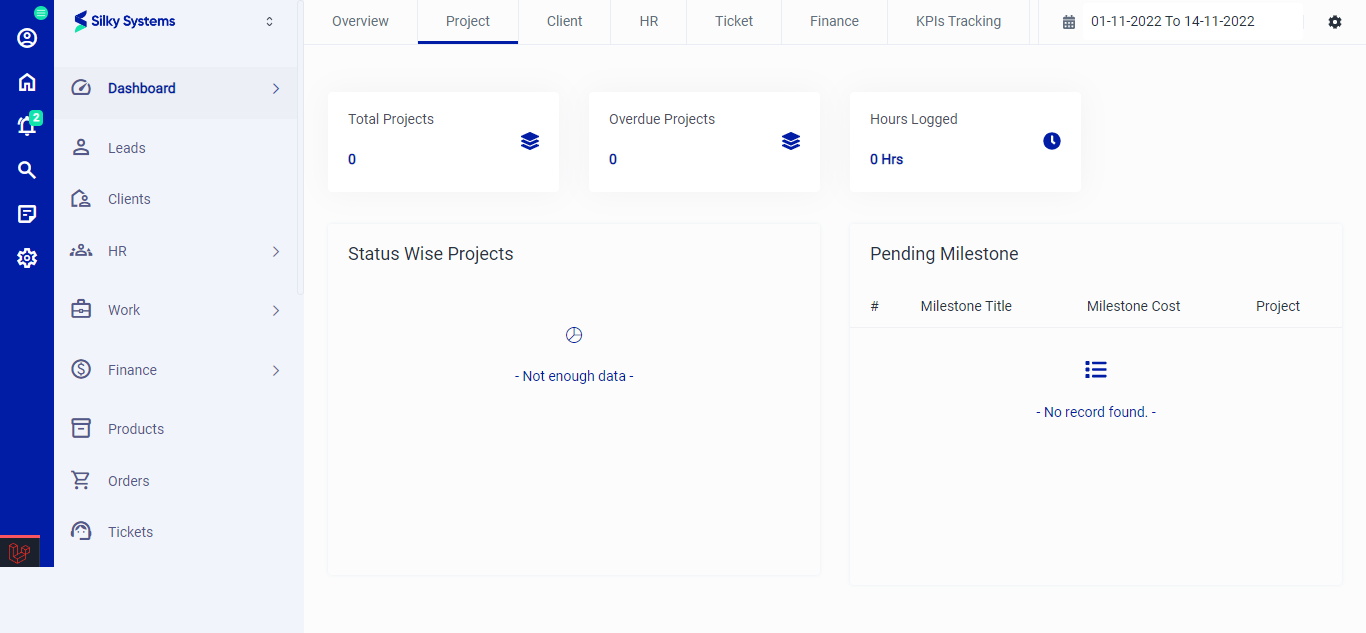 Figure.02 Dashboard Project
Client
The Client section shows the number of Total Clients, Total Leads, Lead Conversions, Contracts Generated, Contracts Signed, Client Wise Earnings, Client Wise Time logs, Leads Count By Status, Leads Count By Source, Latest Clients, and Recent Login Activities.
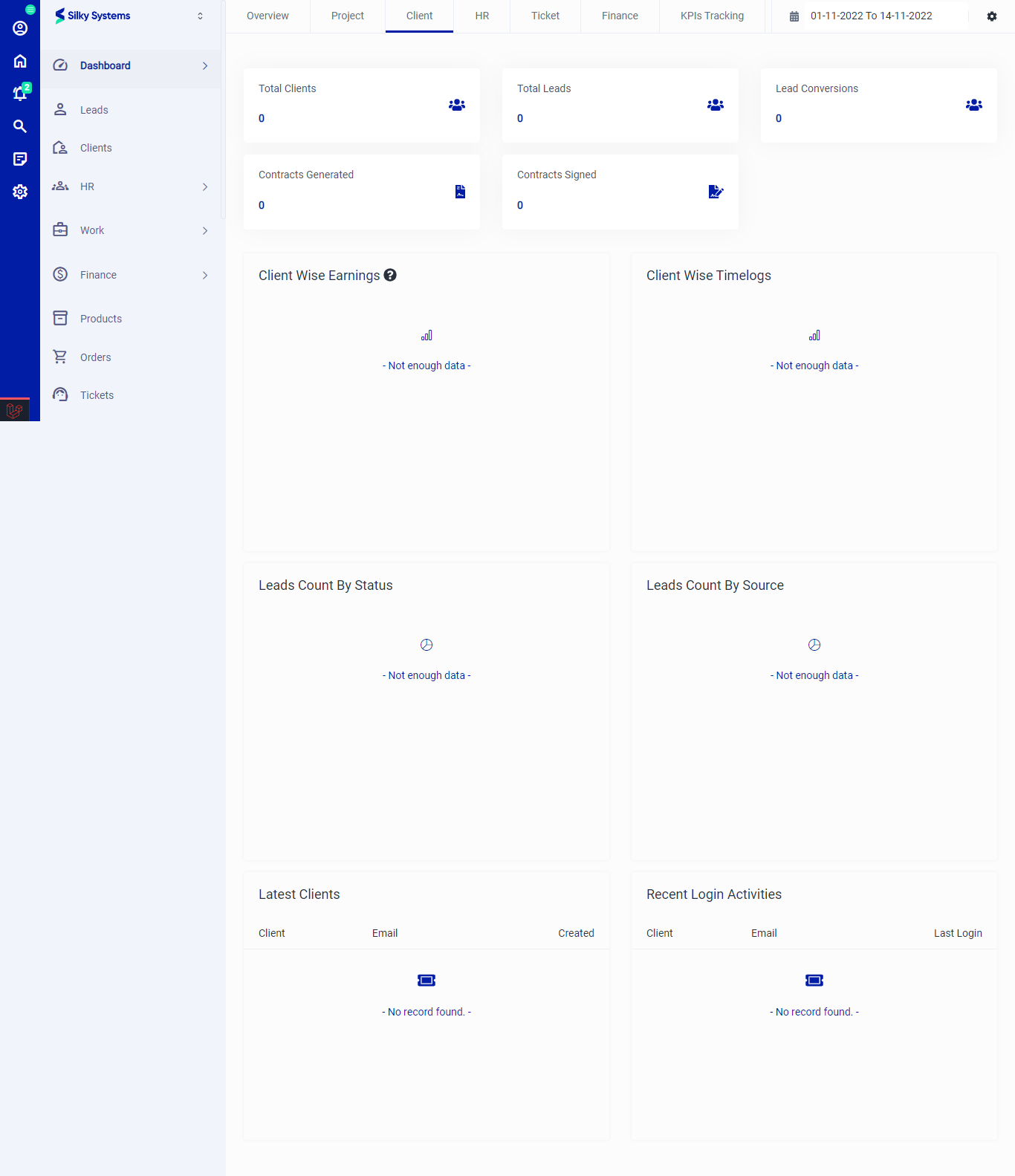 Figure.03 Dashboard Client
HR
The HR section shows the number New Employees, Employee Exits, Department Wise Employee, Designation Wise Employee, Gender Wise Employee, and Role Wise Employee.
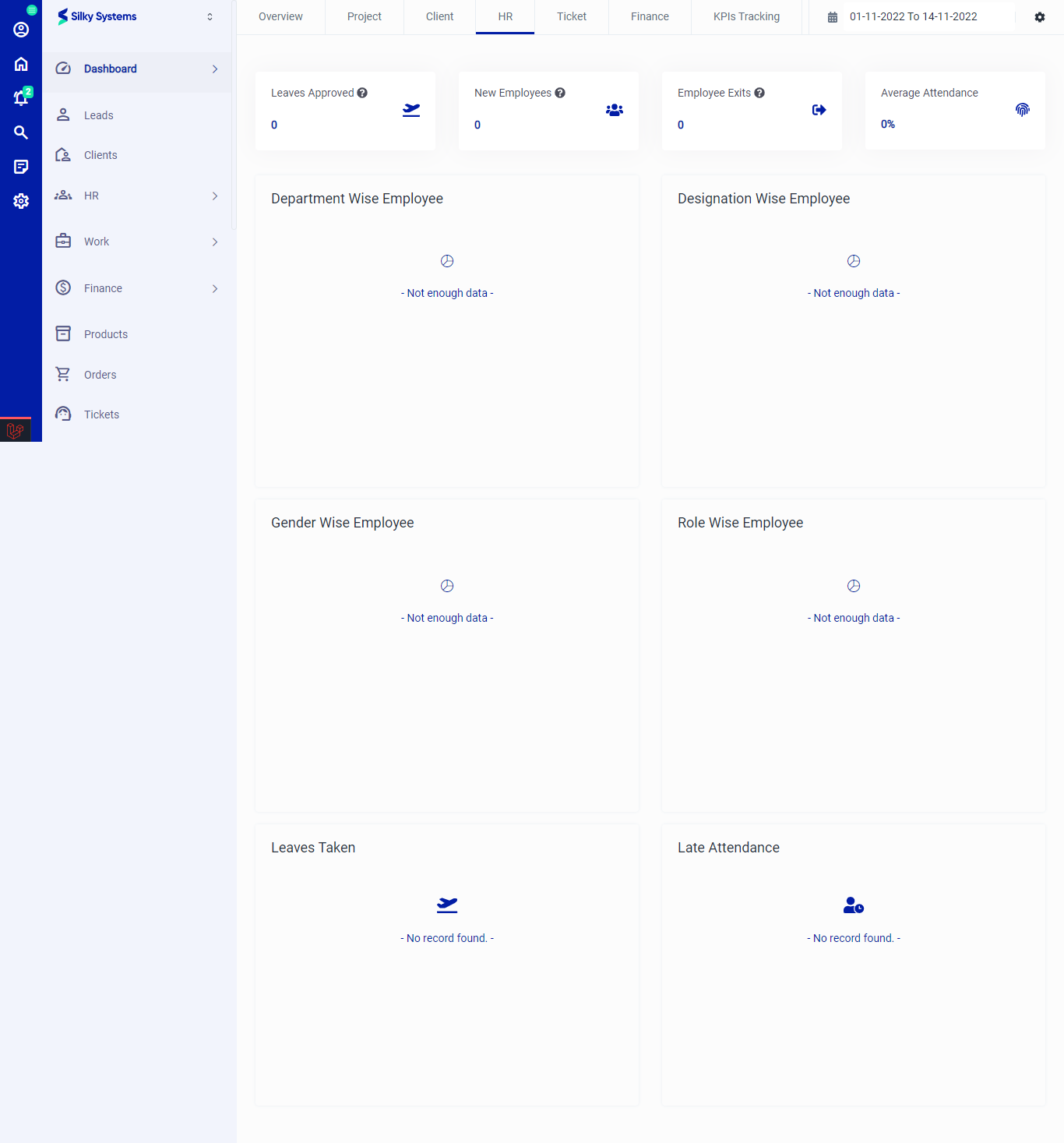 Figure.04 Dashboard HR
Ticket
The Ticket section shows the number of Resolved/Unresolved Tickets, Total Unassigned Ticket, Type Wise Ticket, Status Wise Ticket, Channel Wise Ticket, and Open Tickets.
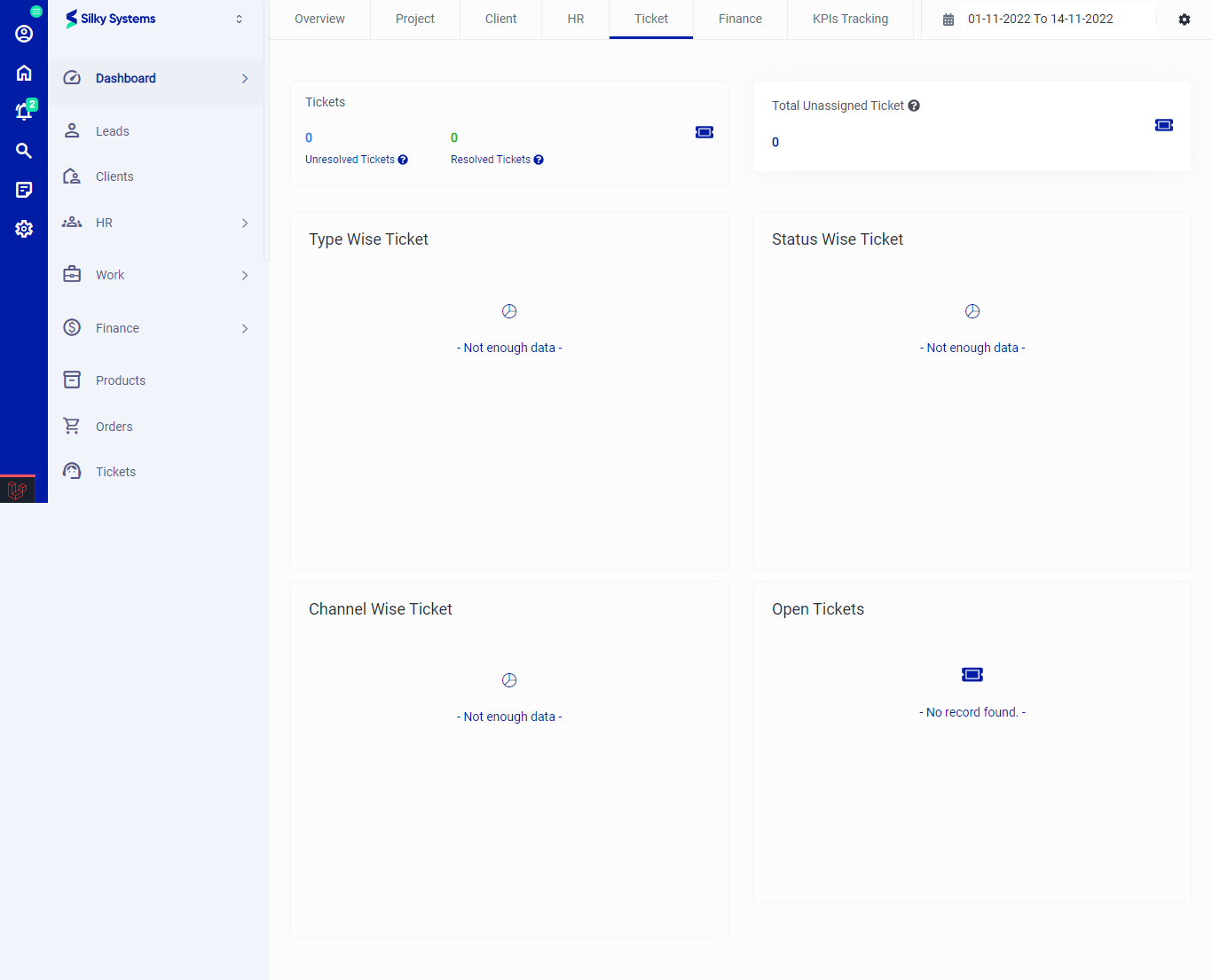 Figure.05 Dashboard Ticket
Finance
The Finance section shows the number of Paid/Due Invoices, Total Expenses, Total Earnings, Total Pending Amount, Invoice Overview, Estimate Overview, Proposal Overview, Client Wise Earnings, and Earnings By Projects.
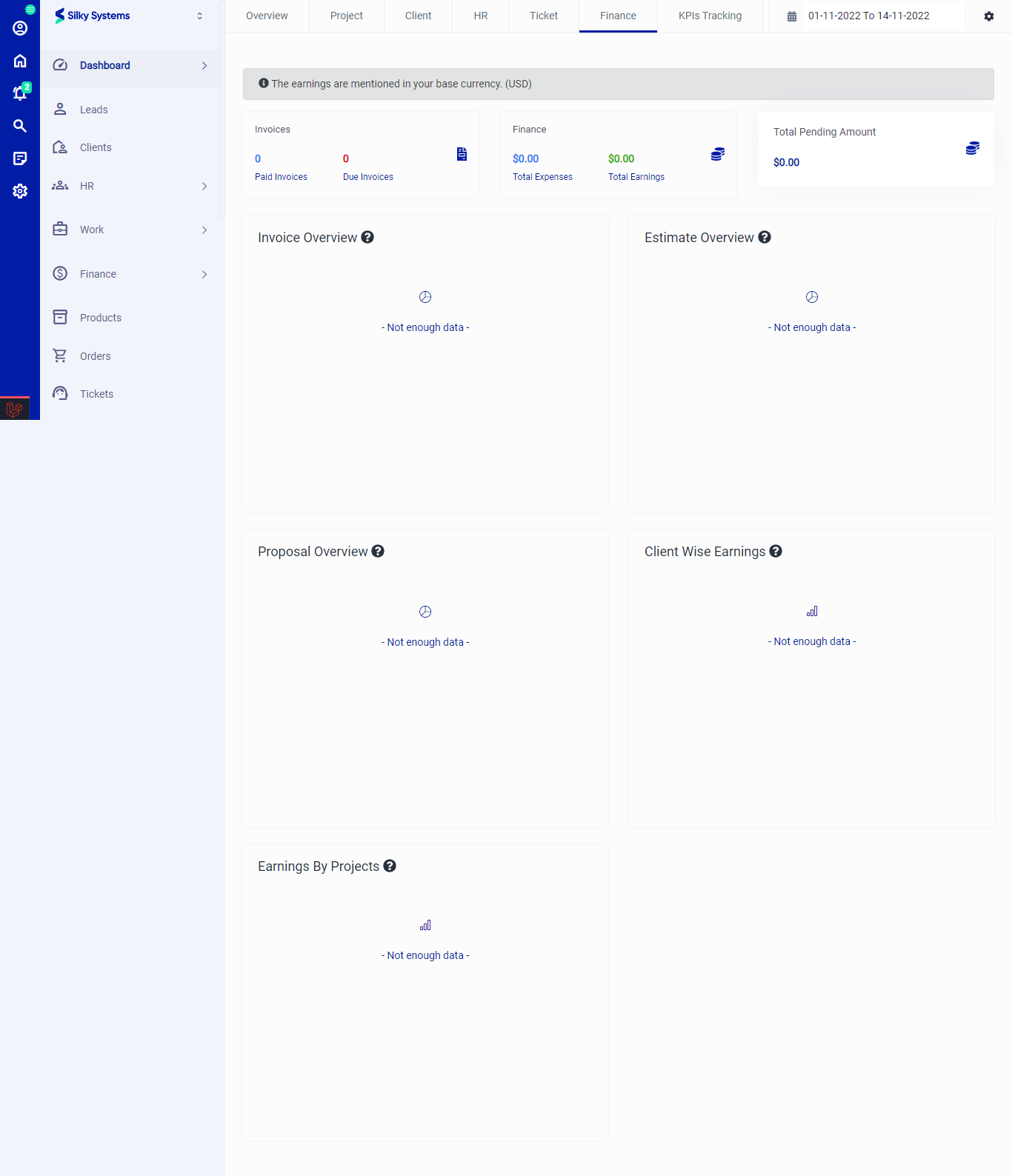 Figure.06 Dashboard Finance
KPIs Tracking
The KPIs Tracking section gives the overview of Top Active Employees, Leads KPIs, Customer Deals KPIs, and Activities KPIs.
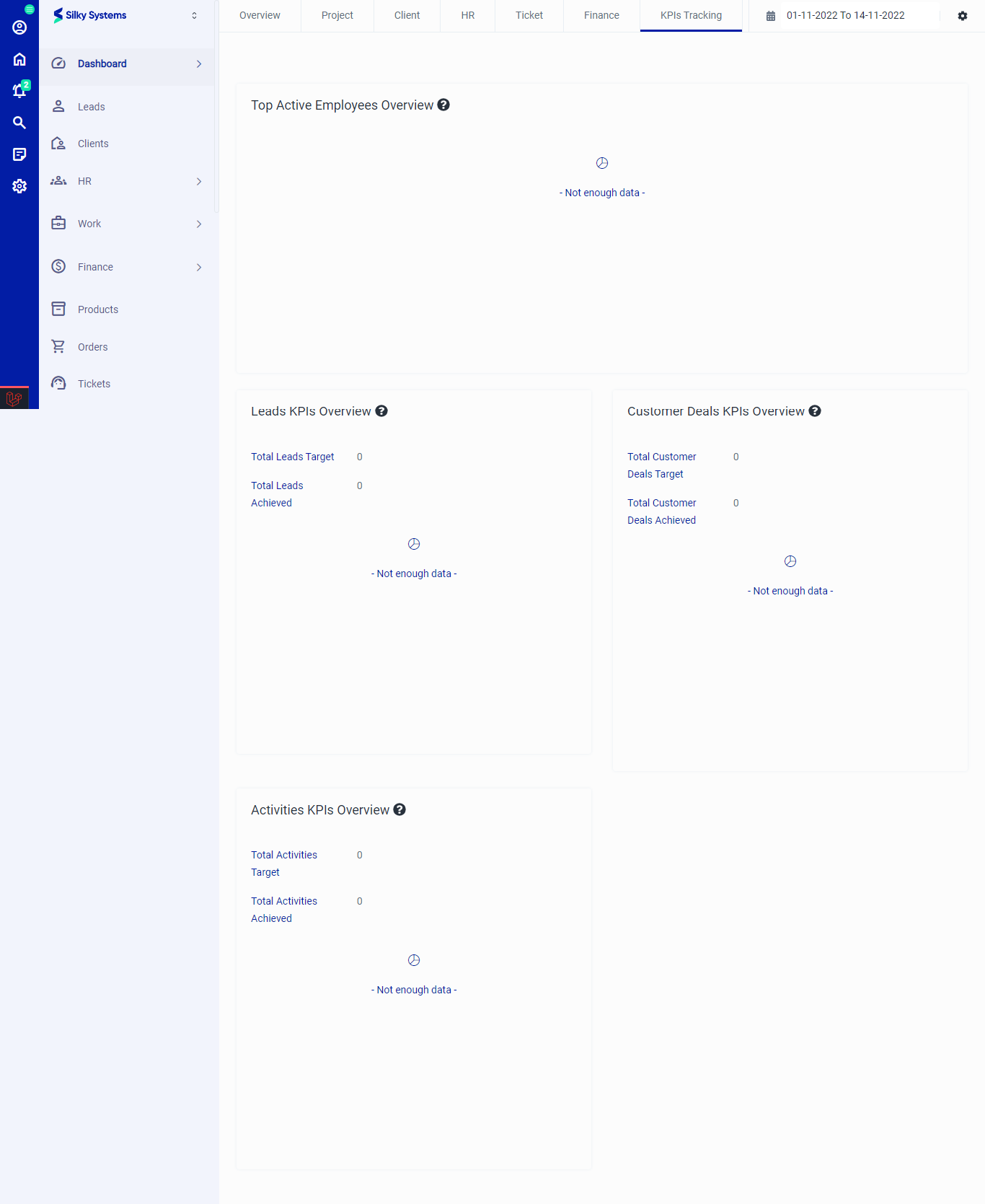 Figure.07 Dashboard KPIs Tracking